How Webflow Enables Team Collaboration: Speed, Control, and Confidence
How Webflow enables real team collaboration — with BigFundr and Partipost case studies from ALF.
Table of contents
Free Website Audit
We'll personally review your website across 6 areas. UX, SEO, performance, mobile, conversion, and send you a detailed, actionable report within 48 hours. No cost. No catch.
One of the most persistent problems in website management is the bottleneck between the people who create content and the people who control the code. Marketing teams wait days or weeks for developer time to make changes that should take minutes. Design integrity erodes as workarounds accumulate. Campaigns launch late because a simple copy change required a sprint ticket. Webflow resolves this structural problem through a combination of role-based access, a CMS built for non-technical content publishing, and a component system that embeds design standards directly into the building blocks of the site. This guide explains how those collaboration features work in practice — with first-hand case studies from two ALF Design Group clients, BigFundr and Partipost, that illustrate what a well-configured Webflow collaboration setup looks like and what it produces commercially.
Most website platforms were built for one type of user: the developer who controls everything, or the non-technical user who controls nothing. The developer-controlled model creates bottlenecks. The non-technical model creates design drift. Neither serves a growing business well — where the marketing team needs to move fast, the design team needs to maintain quality, and both need to operate without blocking each other.
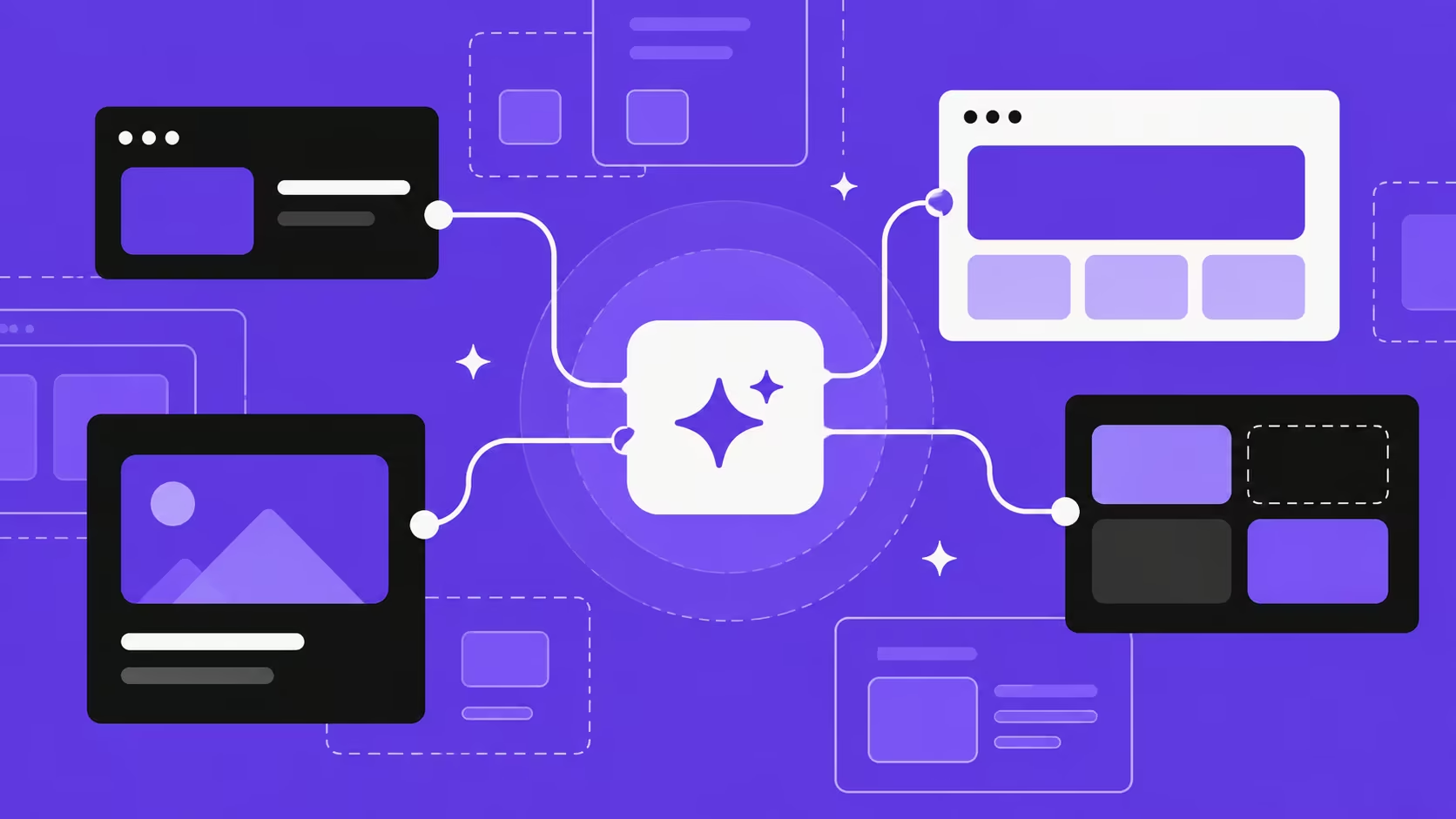
Webflow occupies a genuinely different position. Its architecture supports multiple user types — designers, content editors, and developers — each with access calibrated to their role, operating in the same platform without interference. The result, when configured correctly, is a website that a designer built, a marketer can update, and a developer can extend — without any of the three needing to wait for the others to make their particular kind of change.
For the broader commercial case for Webflow as a platform choice, see our guides on why businesses prefer Webflow for website design and is Webflow worth it?. What follows focuses specifically on the collaboration mechanics — how they work, how to configure them well, and what they produce in practice.
The Problem Webflow Collaboration Solves
The traditional web development workflow creates a specific, well-documented problem. Designers produce static mockups. Developers implement them. Marketers submit content change requests to developers. Developers prioritise those requests alongside everything else on their backlog. The marketer waits. The campaign is delayed. The opportunity is smaller than it could have been.
This is not a people problem. It is an architecture problem — the platform does not allow the people closest to the content to make the changes they need to make, without risking the integrity of the design system around those changes. Webflow's solution is structural: it separates the design layer (controlled by designers) from the content layer (accessible to marketers and content teams) and makes both operable simultaneously, without one group affecting the other's domain.
In Singapore's market, where SMEs and startups are often running with lean teams that cannot afford dedicated developer resource for every content update, this structural solution is commercially significant. A marketing team that can launch a campaign landing page in a day — rather than waiting for a development sprint — is a material competitive advantage, particularly when the window for a campaign is narrow.
How Webflow's Collaboration Architecture Works
Role-based access: the foundation
Webflow's role-based access system determines what each team member can do within a project. There are four primary access levels, each designed for a different type of contributor:
The Content Editor role is the most practically significant for marketing teams. It allows non-technical users to update CMS content — blog articles, landing page copy, team profiles, product listings — directly within Webflow's Designer interface, without exposing the layout controls, style settings, or interaction logic that a designer has configured. The marketing team sees only the fields they can edit; the design system that governs how those fields are displayed is invisible and untouchable.
The CMS as a content publishing system

Webflow's CMS (Content Management System) is not a blog engine bolted onto a website builder — it is a structured content database that sits at the centre of the site's architecture. Every piece of content that might change — blog posts, team members, services, case studies, product pages, testimonials — is stored as a CMS collection item with defined fields: text fields, image fields, rich text fields, toggle fields, reference fields that link one collection to another.
When a designer builds a CMS collection in Webflow, they define the content structure and design the template that displays it. When a content editor adds or updates a CMS item, the content populates into the designer-built template automatically — no layout decisions required, no design knowledge needed. The content and the design are genuinely separate, and the design system governs how all content is displayed consistently across the site.
For Singapore businesses running active content programmes — regular blog publishing, campaign landing pages, event listings, product updates — this architecture removes the developer from the content publishing cycle entirely. The designer sets the system up; the marketing team runs it. For how to prepare a Webflow project so this system works correctly from launch, see our guide on 5 key things to do before building in Webflow.
Component systems that protect design integrity
The most common failure mode in websites managed by non-technical teams is design drift — the gradual accumulation of inconsistencies as individual contributors make local decisions that are individually reasonable but collectively incoherent. A different button style here. An inconsistent heading size there. An off-brand colour in a section where someone needed to differentiate a new element.
Webflow's component system prevents drift by making design decisions reusable and centrally governed. A button component defined once with the brand's approved colours, typography, and hover states can be placed anywhere on the site — and any change to the component definition propagates instantly to every instance. A content editor working within a component cannot inadvertently create a variant that breaks the design system, because the design system is not exposed to them.
This is fundamentally different from a CMS like WordPress, where a content editor has access to a rich text editor that can produce any formatting they choose — including formatting that breaks the visual consistency of the page. Webflow's component architecture constrains what is possible within each editable region, which is a feature rather than a limitation: it protects the integrity of the design system at scale.
Real-World Case Study: BigFundr
BigFundr is a Singapore-based property investment platform that needed to scale its marketing operations without scaling its developer headcount. When they came to ALF Design Group, their marketing team was bottlenecked by developer timelines — they were using WordPress, and simple landing page launches required development sprint allocation that stretched timelines from days to weeks.
After launching their new Webflow website, we configured a collaboration setup that gave BigFundr's marketing team full content autonomy within a protected design system. The specific capabilities they gained:
- Creating and publishing new campaign landing pages within days, using pre-built page templates that maintained brand consistency automatically
- Updating CMS content — investment product listings, team profiles, news items — directly through Webflow's Designer interface with no developer involvement
- Making copy and image updates to existing pages without the risk of accidentally modifying layout or style settings outside their access level
- Launching time-sensitive campaigns without scheduling developer time, which had previously been the single biggest constraint on their campaign cadence
The onboarding required approximately one hour — a structured walkthrough of the CMS structure, the content editing workflow, and the boundary between what the marketing team could change and what was governed by the design system. From that point, BigFundr's team operated independently for routine content work, with ALF's team handling design system changes, new template builds, and technical development as needed.
Real-World Case Study: Partipost
Partipost is a Singapore-based influencer marketing platform that faced a similar challenge in a different context. Their marketing team needed to launch product-specific landing pages for individual campaigns — pages that required custom copy, specific imagery, and occasionally modified layouts for different audience segments. On WordPress, every new landing page required developer involvement to ensure it stayed on-brand.
After migrating to Webflow with ALF Design Group's team, the collaboration system we built enabled:
- Instant landing page creation from pre-configured templates, with the full design system embedded in each template so on-brand pages could be launched without design review
- Real-time collaboration between the design team and the marketing team during campaign development — both working in the same project simultaneously, with role-appropriate access ensuring neither could inadvertently affect the other's work
- Content updates that previously required a developer ticket resolved in minutes by the marketing team directly
The result was an agile marketing operation that could respond to campaign opportunities at the speed the business required — without compromising the brand consistency that Partipost's positioning depended on. The design system, properly built into the Webflow project, made consistency the default rather than something that had to be enforced through review cycles.
Building a Scalable System, Not Just a Website

The BigFundr and Partipost outcomes share a common architecture: a Webflow project built not as a fixed digital brochure but as a scalable content publishing system. The distinction matters commercially. A fixed website requires developer involvement every time the business needs to create new content types or launch new page categories. A scalable system allows those needs to be met within the existing architecture — by the people closest to the content, at the speed the business requires.
At ALF Design Group, every Webflow project we build is designed with this scalability in mind from the outset. The design phase includes explicit decisions about what content types will need to grow, what team members will need content access, and how the component system should be structured to support those needs without constant agency involvement. The goal is to hand over a system that empowers the client's team, not a website that keeps the client dependent on ongoing development support for routine operations.
This approach is covered in detail in our guide on 5 key things to do before building in Webflow — specifically in Section 5 on aligning your team on roles, workflow, and launch responsibilities. Getting that alignment right before the build begins is what makes the collaboration system work after launch.
Webflow Collaboration vs Traditional Platforms
The WordPress comparison
WordPress's collaboration model depends heavily on plugin configuration and user role plugins that sit on top of the core platform. Content editors typically have access to the full Gutenberg block editor, which — without extensive customisation — can produce any layout or style combination, including ones that break the visual system. Restricting what editors can do in WordPress requires custom development or premium plugins, and the restrictions are rarely as clean as Webflow's native role separation. The result is that most WordPress sites operated by marketing teams accumulate design inconsistencies over time, regardless of the original design quality.
The no-code builder comparison
Platforms like Wix and Squarespace offer simpler collaboration models but at the cost of design control. What is easily editable by a non-technical user is also easily broken by one — because these platforms do not distinguish meaningfully between the design layer and the content layer. The component system that prevents design drift in Webflow does not have an equivalent in most no-code page builders. For teams where design consistency is commercially important — brand-led businesses, agencies, professional services firms — this is the critical trade-off.
Learning and Getting Teams Up to Speed
One of the concerns Singapore businesses most frequently raise about Webflow is the learning curve — particularly for marketing team members who will be doing content updates. In practice, the Content Editor workflow in Webflow is significantly more intuitive than most WordPress configurations, because it shows editors only the fields they need to update and hides everything else. A marketing team member who can update a Google Doc can update a Webflow CMS collection within a brief onboarding session.
For team members who want to go deeper — understanding how the CMS structure works, how to use collection lists, or how to interpret the Designer interface — Webflow University provides comprehensive, well-structured video tutorials that cover every aspect of the platform. ALF Design Group includes a structured onboarding session as part of every project handover, which covers the specific configuration of the client's project rather than Webflow in general — which is typically all the training a content editor needs to operate confidently.
Frequently Asked Questions
How does Webflow handle team collaboration?
Webflow supports team collaboration through a role-based access system that separates what each type of contributor can do. Designers have full access to layout, styles, and interactions. Content editors can update CMS content and designated text regions without access to design controls. This separation means marketing teams can publish content updates and new pages independently, without the risk of inadvertently modifying the design system. Multiple team members can work in the same Webflow project simultaneously with appropriate access controls.
Can a non-technical marketing team manage a Webflow website?
Yes — and this is one of Webflow's most commercially significant advantages for SMEs and growing businesses. With Content Editor access, a marketing team member can update CMS content, publish new blog articles, create pages from pre-built templates, and make copy and image updates without any knowledge of HTML, CSS, or web development. The design system remains intact because it is not accessible through the Content Editor role. Most marketing teams are fully operational within one to two hours of a structured onboarding session.
What is the difference between a Designer and Content Editor in Webflow?
A Designer has full access to the visual canvas — they can modify layouts, styles, interactions, animations, and the CMS structure itself. A Content Editor has access only to CMS collection fields and designated editable text regions on static pages. A Content Editor cannot modify the design system, move elements, change styles, or affect anything outside their defined content scope. This role separation is what enables marketing team autonomy without design drift — the Content Editor can update what changes, and the Designer's system governs how it is displayed.
How does Webflow's CMS support team content publishing?
Webflow's CMS stores content as structured collection items — each item has defined fields (text, image, rich text, toggles, references) that a content editor updates directly. When a new CMS item is published, it automatically populates into the designer-built template for that collection, maintaining visual consistency without requiring any design decisions from the content editor. For teams publishing regular blog content, campaign pages, product listings, or event schedules, this means a fully operational content publishing workflow that does not require developer involvement.
Is Webflow collaboration suitable for agency-client workflows?
Yes — and it is one of the reasons ALF Design Group builds exclusively in Webflow. The role-based access model allows an agency to maintain control over the design system while giving clients full autonomy over their content. The agency team holds Designer access for ongoing design system development; the client's marketing team holds Content Editor access for daily content operations. This gives clients the independence they need for routine updates without removing the design governance that protects the site's quality over time.
How long does it take to onboard a team onto Webflow?
For content editing — the workflow most marketing team members need — typically one to two hours of structured onboarding covers everything required: understanding the CMS structure, navigating the Designer interface for content updates, publishing and unpublishing items, and understanding the boundary between content editing and design editing. ALF Design Group provides a project-specific onboarding session for every client handover, covering the specific configuration of their project rather than Webflow in general. Webflow University provides additional self-directed learning for team members who want to go deeper.
How is Webflow collaboration different from WordPress?
WordPress's collaboration model requires plugin configuration to restrict what content editors can do, and even with restrictions, the Gutenberg block editor exposes more design controls than Webflow's Content Editor role. Without custom restrictions, WordPress content editors can make layout and style decisions that break visual consistency — which is why most WordPress sites operated by non-technical teams accumulate design drift over time. Webflow's role separation is native to the platform and does not require additional configuration to protect the design system from unintended modifications.
Conclusion
The bottleneck between marketing teams and the websites they need to operate quickly is not inevitable — it is a consequence of platform architecture, and Webflow's architecture resolves it structurally. Role-based access that separates design from content, a CMS that enables non-technical publishing without design risk, and a component system that makes consistency the default rather than something that requires enforcement: these are the mechanisms that make Webflow genuinely collaborative rather than simply accessible.
The BigFundr and Partipost outcomes are representative of what this architecture produces in practice: marketing teams that move at campaign speed, designers who maintain system integrity without reviewing every content change, and businesses that get more commercial value from their website investment because the people closest to the business can act on it directly.
At ALF Design Group, we build Webflow projects as collaboration systems from the first line of code. If you want to understand what a well-configured Webflow setup would look like for your team, speak to our team — or start with our overview of why we build exclusively in Webflow.
{{build-better-experience="/directory"}}
Categories
Written By

Resources
Related Articles
Deep dive into our latest news and insights.

.webp)